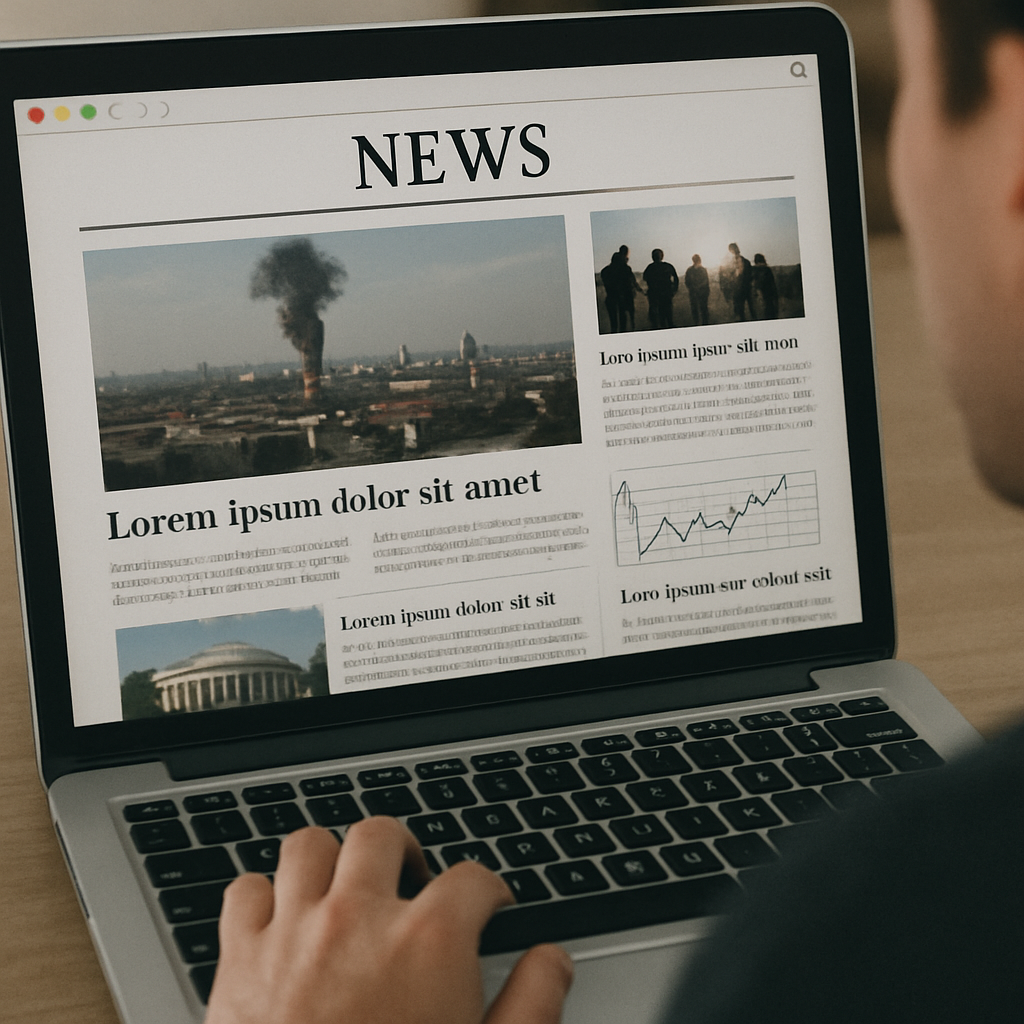
Creating an effective news page design is both an art and a science. In today's fast-paced digital age, newspaper websites must grab readers' attention quickly and keep them engaged.
With a well-crafted news page design, you can provide a seamless experience that encourages readers to return time and again. Whether you're using a news builder or embarking on newspaper website development from scratch, these essential elements will guide you in designing the best newspaper website.
User Experience (UX)
User experience (UX) is at the heart of any successful website, and news pages are no exception. A well-designed news page should be intuitive and easy to navigate. Readers should find what they're looking for without much effort. Here are some crucial aspects of UX to consider:
Simple Navigation
Ensure your navigation is straightforward and intuitive. Use clear labels for categories such as World, Politics, Business, Sports, and Entertainment. A sticky navigation bar that remains visible as users scroll can enhance accessibility. Additionally, consider employing a breadcrumb trail to help users understand their current location on the site and easily navigate back to previous sections. Implementing a search bar prominently can also aid users in quickly finding specific articles or topics of interest.
Responsive Design
With more people accessing news on mobile devices, responsive design is no longer optional. Your news page design should automatically adjust to different screen sizes, providing a smooth experience across desktops, tablets, and smartphones. Employ flexible grid layouts and scalable images to ensure content is presented optimally, regardless of the device. Test your design on various devices to catch any responsiveness issues early. Consider using mobile-first design principles to ensure the most critical elements are prioritized for smaller screens.
Fast Loading Speeds
Readers expect news websites to load quickly. Slow loading times can drive visitors away. Optimize images, use efficient coding practices, and consider a content delivery network (CDN) to improve loading speeds. Minimize the use of heavy scripts and plugins that can bog down performance. Employ lazy loading for images and videos to ensure they only load when needed. Regularly audit your website's performance using tools like Google PageSpeed Insights to identify and rectify bottlenecks.
Visual Hierarchy and Layout
The layout of your news page plays a significant role in how information is consumed. A clean, organized layout with a strong visual hierarchy helps direct readers' attention to the most critical content.
Use of White Space
White space, or negative space, helps to break up content and makes it more digestible. It gives your news page a clean, uncluttered look, allowing readers to focus on the content without distraction. Strategically use white space to separate different sections and elements, making it easier for readers to process information. Avoid overcrowding by balancing text, images, and other elements, creating a harmonious visual experience. Remember, effective use of white space can enhance readability and user satisfaction.
Headlines and Typography
Headlines should be bold and easily readable. Use a consistent font style and size throughout your website to maintain a cohesive look. Typography should complement the overall design without compromising readability. Choose fonts that are web-safe and legible across different devices and screen sizes. Pair headlines with subheadings to provide context and guide readers through the content. Use varying font weights and sizes to establish a hierarchy, ensuring key information stands out.
Content Blocks and Grids
Organize content into blocks or grids to make it easier for readers to scan the page. This method allows for a structured layout where various stories, images, and videos can be displayed without overwhelming the reader. Employing a grid system can help maintain consistency across different sections of your site. Use visual cues like borders or background colors to distinguish between different content areas. Consider modular design principles to easily rearrange content without disrupting the overall flow.
Engaging Multimedia
Incorporating multimedia elements like images, videos, and infographics can enhance your news page design. They provide visual interest and can help convey information more effectively than text alone.
High-Quality Images
Ensure that images are high-quality and relevant to the content. They should be optimized for web use to prevent slow loading times. Captivating images can entice readers to click on an article. Use images strategically to complement and enhance the written content, providing additional context or emotion. Implement image galleries or slideshows for visual-heavy stories to keep readers engaged. Regularly update your image library to reflect current events and maintain freshness.
Video Content
Videos can offer a more dynamic way to engage readers. Whether it's a news report, interview, or documentary, embedding video content can enrich the storytelling on your news page. Ensure videos are properly optimized for web streaming to prevent buffering and playback issues. Provide transcriptions or captions for accessibility and to cater to users who prefer reading over watching. Consider using autoplay sparingly, as it can be disruptive to the user experience.
Infographics and Data Visualizations
Data-driven stories benefit from infographics and visualizations. They help break down complex information into understandable visuals that can quickly convey key points to your audience. Design infographics to be easily shareable on social media, expanding your reach. Use color and icons strategically to highlight important data and trends. Provide interactive elements within visualizations to allow users to explore the data further and gain deeper insights.
Interactive Features and User Engagement
Encouraging user interaction can foster a sense of community and keep readers coming back. Incorporate features that allow users to engage with the content and each other.
Comment Sections
Allow readers to express their opinions and engage in discussions by including comment sections at the end of articles. Ensure that there are moderation tools in place to maintain a respectful environment. Encourage meaningful dialogue by posing questions or prompts in your articles. Utilize a voting or like system to highlight popular comments and foster community engagement. Regularly monitor and moderate discussions to prevent spam and maintain a positive atmosphere.
Social Media Integration
Integrate social media sharing buttons to allow readers to share articles easily. This can increase your reach and drive more traffic to your website. Incorporate social media feeds or widgets to showcase your latest posts and interactions. Encourage readers to follow your social media channels for real-time updates and exclusive content. Analyze social media engagement metrics to refine your strategy and improve content sharing.
Personalization Options
Offer personalization features such as customizable homepages or content recommendations based on reading history. Personalization can make the news experience more relevant and engaging for individual readers. Allow users to save articles or create reading lists for easy access later. Implement user profiles that track preferences and deliver tailored content suggestions. Use machine learning algorithms to continuously refine personalization based on user behavior and feedback.
Accessibility Considerations
An inclusive news page design ensures that all users, including those with disabilities, can access and enjoy your content. Implementing accessibility best practices is not only ethical but can also broaden your audience.
Provide descriptive alt text for images to assist visually impaired users who rely on screen readers. Alt text should convey the content and function of the image. Ensure alt text is concise but informative, capturing the essence of the image's purpose. Regularly audit your website's images to ensure alt text is accurate and up-to-date. Educate content creators on best practices for writing effective alt text to maintain consistency.
Keyboard Navigation
Ensure that all interactive elements can be accessed and operated using a keyboard. This is crucial for users with mobility impairments who may not be able to use a mouse. Implement focus indicators to help users track their navigation progress. Test your website with keyboard-only navigation to identify any accessibility barriers. Provide clear instructions and shortcuts for keyboard users to enhance their experience.
Color Contrast and Text Size
Choose color schemes with sufficient contrast between text and background to enhance readability. Additionally, provide options for users to adjust text size to suit their needs. Utilize tools like contrast checkers to ensure compliance with accessibility standards. Offer high-contrast modes or themes for users with visual impairments. Provide clear instructions on how users can adjust text size or switch to alternative color schemes.
Conclusion
Designing an effective news page is a balancing act between aesthetics and functionality. By prioritizing user experience, creating a strong visual hierarchy, incorporating engaging multimedia, fostering user interaction, and ensuring accessibility, you can develop a news page design that stands out in the crowded digital landscape. Whether you're starting from scratch or using a news builder, these elements will help you create the best newspaper website design that keeps readers informed and engaged.
Incorporate these strategies into your newspaper website development process, and watch as your readership grows, your engagement increases, and your online presence strengthens. With the right design, your news page can become a trusted source for information in today's fast-paced world. Consistently evaluate and iterate on your design to adapt to changing user needs and technological advancements, ensuring your news page remains relevant and impactful.
Ready to Design Your News Website?
Bulletlink offers powerful tools and templates to help you create a stunning, user-friendly news website with all the essential design elements.